
My Job Title: Digital Transformation Advisor
My School: Private, International, K-12
This list is based on tools that address the ISTE Standard for Educators 2.5.b:
Design Authentic Learning Activities
__________________________________________________________________
#1 Padlet
Grade 5 - Adult
All Subjects
Communication, Creation
Some Training Required
How I Might Use It
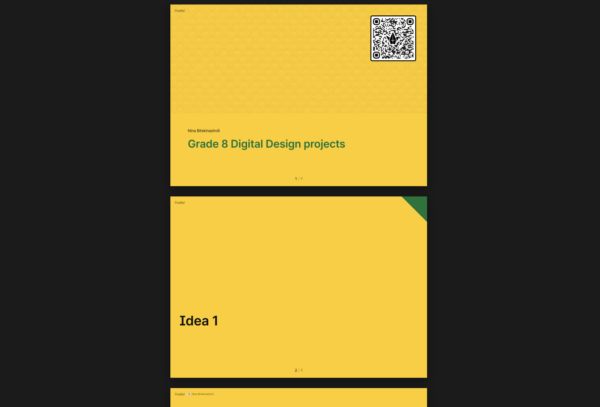
I use Padlet as a collaborative "studio wall" to support the design process and feedback cycle during grade 8 Digital Design projects. Students post their early concepts (layout sketches, draft headlines, color palettes, or Canva draft screenshots/links) into columns such as "Idea 1," "Idea 2," "Idea 3," "Feedback," and "Revised." Peers give structured feedback using a protocol like Glow (what works), Grow (what to improve), and Question (what's unclear), and students respond by selecting one improvement to apply in their next iteration.
I use Padlet to model digital citizenship (constructive comments, crediting sources/images) and to quickly identify common needs (e.g., weak hierarchy, overcrowded text, low contrast) for short mini-lessons. This supports ISTE Educator Standard 2.5 (Designer) by building a learning experience with clear success criteria, peer critique, and iterative improvement, and it connects to ISTE Student Standards such as Global Collaborator and Creative Communicator through shared ideas, feedback, and audience-focused revisions.
Connected to Transformational Learning Principles: Nurture (Cultivate Belonging)
Demonstrates Evidence of the 5 Edtech Quality Indicators:
Safe, Evidence-Based, Inclusive, Usable

__________________________________________________________________
#2 Canva AI
Grade 5 - Higher Ed
All Subjects
Communication, Creation, Project-Based Learning
Some Training Required
How I Might Use It
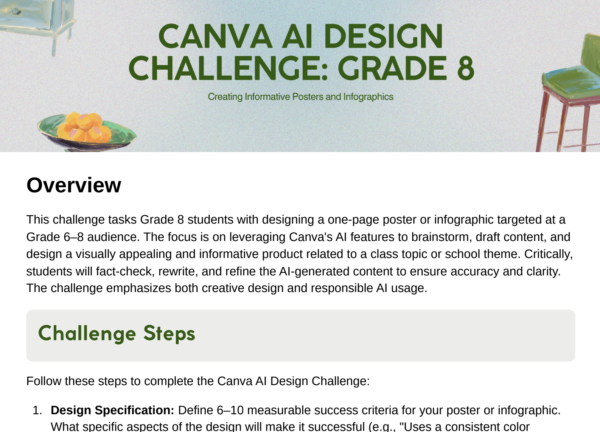
I use Canva AI to design an authentic creation task where students communicate their understanding through a polished product (infographic, short presentation, or mini-poster) aligned to clear success criteria. To reduce "blank page" anxiety, students can use AI tools to brainstorm headings or draft a first outline, then they must revise using class notes and verified sources, adding evidence and citations. Students use templates to organize ideas visually and collaborate through comments and version history. I provide checkpoints throughout the process: outline → draft → peer feedback → final. This supports ISTE Educator Standard 2.5 (Designer) because I'm intentionally creating a flexible learning experience with scaffolds, choice, and a revision cycle that helps all learners produce high-quality work. It also connects to ISTE Student Standards like Creative Communicator and Innovative Designer, as students choose formats and media to match their audience and purpose.
Connected to Transformational Learning Principles: Empower (Prioritize Authentic Experiences)
Demonstrates Evidence of the 5 Edtech Quality Indicators:
Safe, Evidence-Based, Inclusive, Usable

__________________________________________________________________
This article is part of a program to help showcase the work of ISTE+ASCD Certified Edtech Leaders. Educators' views about each tool are their own and not verified or endorsed by ISTE+ASCD.
The 5 Edtech Quality Indicators framework is licensed under CC BY-NC-ND 4.0


